Cloud Costs Out of Control? 11 Fixes That Cut Our Clients' Bills


The first thing we do when asked to reduce cloud costs is open the billing console and sort by amount, descending. It sounds too simple to be a technique. It is consistently the most valuable ten minutes of the engagement.
Almost every time, something near the top is a surprise to the team. A staging environment nobody has used since a project ended. A database provisioned for a load test two years ago. Logs being retained forever because nobody chose a retention period.
Cloud bills do not usually grow because of one bad decision. They grow because nothing is ever switched off, and because the people who create resources are not the people who see the invoice.
Here are eleven fixes, ordered roughly by effort. The first few can be done this afternoon.
1. Delete what nobody is using
Start here, always. Look for environments from finished projects, orphaned disks left behind when machines were deleted, unattached IP addresses, old snapshots, and load balancers pointing at nothing.
Orphaned storage is the classic. Delete a virtual machine and its attached disk often survives, costing money indefinitely while serving nothing. Every account we review has some.
Give yourself a rule: if you cannot establish what something is for in five minutes, snapshot it, switch it off, and see if anyone notices within a fortnight.
2. Switch off non-production outside working hours
Development and staging environments typically run every hour of every week and are used during maybe a quarter of them.
Scheduling them to stop overnight and at weekends is a small piece of automation with an immediate and permanent effect on the bill. For many teams this alone is a meaningful share of non-production spend.
The objection is always that someone might need it at an odd hour. Give them a way to start it manually. That is a better trade than paying for idle capacity every night forever.
3. Right-size what is left
Most instances are larger than they need to be, because someone picked a size at the start and nobody revisited it.
Look at actual utilisation over a month. If a machine never exceeds a fraction of its memory or processor, it is oversized. Cloud providers offer recommendations for this, and they are usually reasonable.
Be more careful with databases than with application servers. Databases benefit from headroom and their performance degrades differently under pressure. Right-size them, but leave more margin.
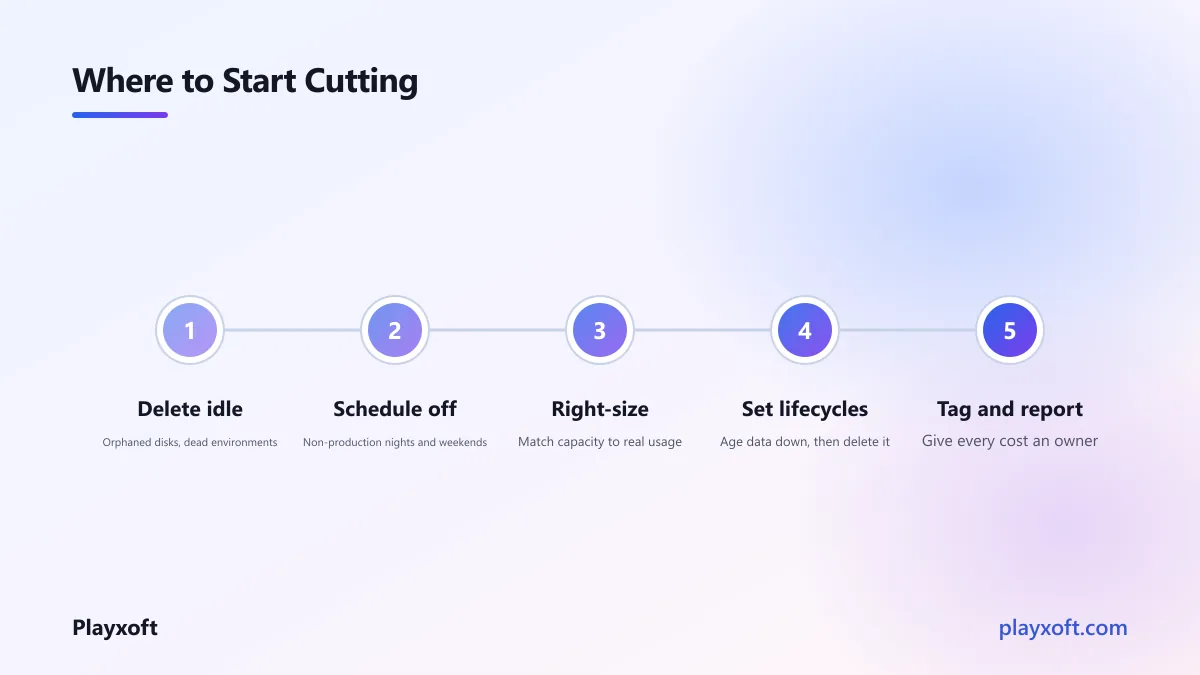
4. Set storage lifecycle rules
Object storage is cheap per gigabyte, which is exactly why it accumulates without anyone noticing until it is a large number.
Lifecycle rules move data to colder, cheaper tiers automatically as it ages, and delete it when it is genuinely no longer needed. Set them once and they work forever.
Decide deliberately: how long do logs need to be retained, how long do backups, how long do user uploads after an account closes. These are business decisions with compliance implications, and they should be made rather than defaulted.
5. Understand what you pay to move data
Data transfer is priced less generously than compute and it surprises people regularly.
The usual sources: serving files directly from storage instead of through a content delivery network, chatty services in different availability zones talking to each other constantly, and backups copied across regions more often than needed.
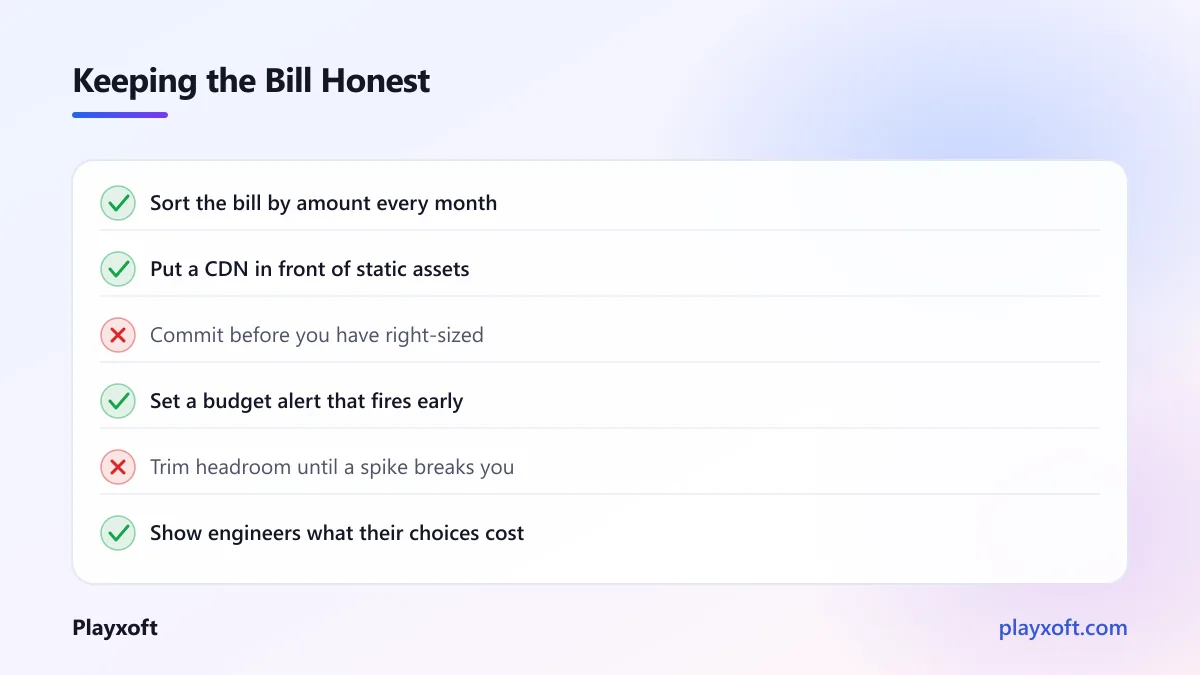
Putting a CDN in front of static assets is usually the single biggest win here, and it makes your product faster at the same time.
6. Cache the expensive repeated work
If your application recalculates the same result for every request, you are paying for compute to produce an answer you already had.
Cache expensive query results, rendered pages that rarely change, and any aggregate that is recomputed on every dashboard load. A modest cache frequently removes the need for a larger database, which is a far more expensive way to solve the same problem.
7. Control your log volume
Logging costs catch teams out because the price is per gigabyte ingested, and verbose logging in production adds up quickly.
Two things help. Log at an appropriate level in production rather than debug. And sample high-volume, low-value events rather than recording every one — you rarely need all of them to spot a pattern.
Then set retention. Most teams need recent logs readily searchable and older ones archived cheaply, not everything hot forever.
If the bill is growing and nobody knows why
That situation is usually a visibility problem rather than an engineering one, and it is solvable in a day or two.
If you want someone to go through your account with you and produce a ranked list of what to change, we are happy to do that. It is normally a short piece of work with a payback measured in weeks.
8. Commit to what you know you will use
Once your baseline load is stable, cloud providers offer substantial discounts in exchange for a usage commitment over one or three years.
The discipline is to commit only to your genuine floor — the capacity you are confident you will use regardless — and leave the variable portion on demand. Over-committing removes the flexibility that made cloud attractive, and it is hard to unwind.
Do this after right-sizing, not before. Committing to oversized instances locks in the waste.
9. Look hard at the database tier
Managed databases are frequently the largest line on the bill and the least examined, because changing them feels risky.
Three things to check: whether the instance is oversized for actual usage, whether you are paying for high availability in environments that do not need it, and whether provisioned storage or throughput is far above what you consume.
Non-production databases running in high-availability configurations is a common and easily fixed waste.
10. Move genuinely cold paths to serverless
For workloads that run occasionally — scheduled jobs, webhook handlers, admin tasks — paying for a machine that sits idle between invocations is poor value.
Serverless functions charge per execution, which suits spiky and infrequent work well. Be selective: for steady high-volume traffic, serverless is often more expensive than a well-utilised machine, so this is a fix for the cold paths specifically rather than a general strategy.
11. Tag everything, so waste has an owner
The structural fix, and the one that keeps the other ten from silently undoing themselves.
Tag every resource with its owner, its environment and its project. Then produce a monthly report showing spend by team or product, and send it to the people who create the resources.
This is not about blame. It is that engineers making infrastructure decisions usually cannot see the financial consequence of those decisions, and showing them changes behaviour more reliably than any policy. The FinOps Foundation's framework is built substantially on this idea of bringing cost visibility to the people who influence it.
Do not optimise into fragility
A necessary caution, because cost work can be taken too far.
Right-sizing until there is no headroom means the first traffic spike takes you down. Aggressive log reduction means the next incident is harder to diagnose. Removing redundancy from production to save money is a trade against reliability that should be made consciously, if at all.
The useful frame: you are removing waste, not removing margin. A resource running at ten percent utilisation is waste. One running at sixty percent with room to absorb a spike is correctly sized. Google's writing on site reliability engineering is good on making these trade-offs explicitly rather than accidentally.
What good looks like afterwards
For an early-stage product, monthly infrastructure of $50 to $300 is a reasonable place to be. As traffic and data grow, $300 to $1,500 is typical. A live multiplayer game backend generally starts around $200 to $900 per month and scales with concurrent players.
If you are materially above those ranges without the traffic to justify it, the first three fixes on this list will almost certainly find the reason.
Make it a habit, not a project
The pattern we see is a cost review, a large saving, and then eighteen months of quiet regrowth until someone notices again.
Three habits prevent it. Review the bill monthly, for fifteen minutes, sorted by amount. Set a budget alert that fires when spend exceeds expectation, so you learn within days rather than at month end. And make cost part of the conversation when infrastructure is created, rather than something discovered afterwards.
Learning how to reduce cloud costs is mostly learning to look regularly. The individual fixes are not difficult; the discipline of noticing is what separates teams whose bills stay proportionate from teams who do this exercise every two years.
If your infrastructure spend has grown faster than your product and you want a clear, ranked list of what to change, book a free consultation call or email nitheesh@playxoft.com. We will tell you what to cut, what to leave alone, and what would be risky to touch.