How to Write a Software Requirements Brief That Gets You Accurate Quotes


Here is something that happens on our side of the table whenever a software requirements document arrives, and it is worth understanding because it is costing you money.
A brief lands that says, among other things, "user management with appropriate permissions." Everyone estimating it has to guess what that means. It might be two roles and a login. It might be custom permission sets, delegated administration, an audit trail and single sign-on. Those are a week apart, or a month.
Faced with that ambiguity, an honest estimator prices somewhere near the expensive interpretation, because they will be held to the number. A less scrupulous one prices the cheap interpretation and recovers the difference through change orders later.
Either way, you pay for your own vagueness. A good software requirements document is the cheapest cost reduction available to you, and it takes an afternoon.
What a brief is not
Two clarifications, because both cause problems.
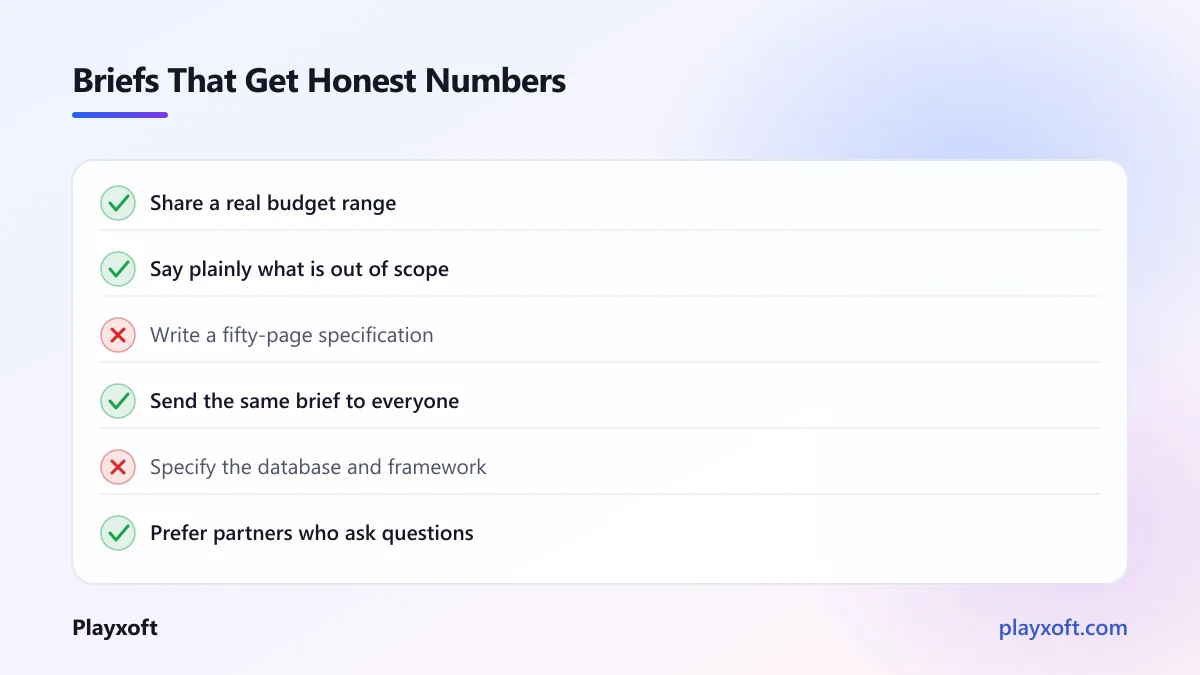
It is not a technical specification. You do not need to specify databases, frameworks or architecture. If you do, you are constraining decisions you are not best placed to make, and you may exclude better options.
It is not a wish list. A brief that includes everything anyone has ever suggested produces a quote for everything anyone has ever suggested. The most valuable section of a brief is usually the one saying what is out of scope.
What it is: a clear description of the problem, who has it, what the software must let them do, and what constraints apply.
The eight sections
Copy this structure. Each section is short — a page or two in total is usually plenty for an initial brief.
1. The problem
Two or three paragraphs on what is wrong today. Not the solution — the situation.
Who suffers, how often, what it costs in time or money, and what they currently do instead. This is the most useful section for any partner worth hiring, because it lets them suggest approaches you had not considered.
If you find you cannot write this clearly, that is important information about whether you are ready to commission a build.
2. Who uses it
List every type of user, with a sentence on what each needs to accomplish. Include the ones people forget: administrators, support staff, finance, and anyone doing manual work behind the scenes.
Each user type you add expands scope significantly, because each needs its own screens and permissions. Being explicit about this early prevents the most common form of mid-project surprise.
3. The core flows
The heart of the brief. For each main user type, describe the two or three sequences they perform most.
Write them as numbered steps in plain language. "A customer searches for a product, adds it to a basket, enters delivery details, pays by card, and receives a confirmation email."
That is enough for an experienced team to estimate accurately. It describes behaviour without dictating implementation. If you want a more structured format, the user story approach works well and has the useful property of keeping the conversation on outcomes rather than components.
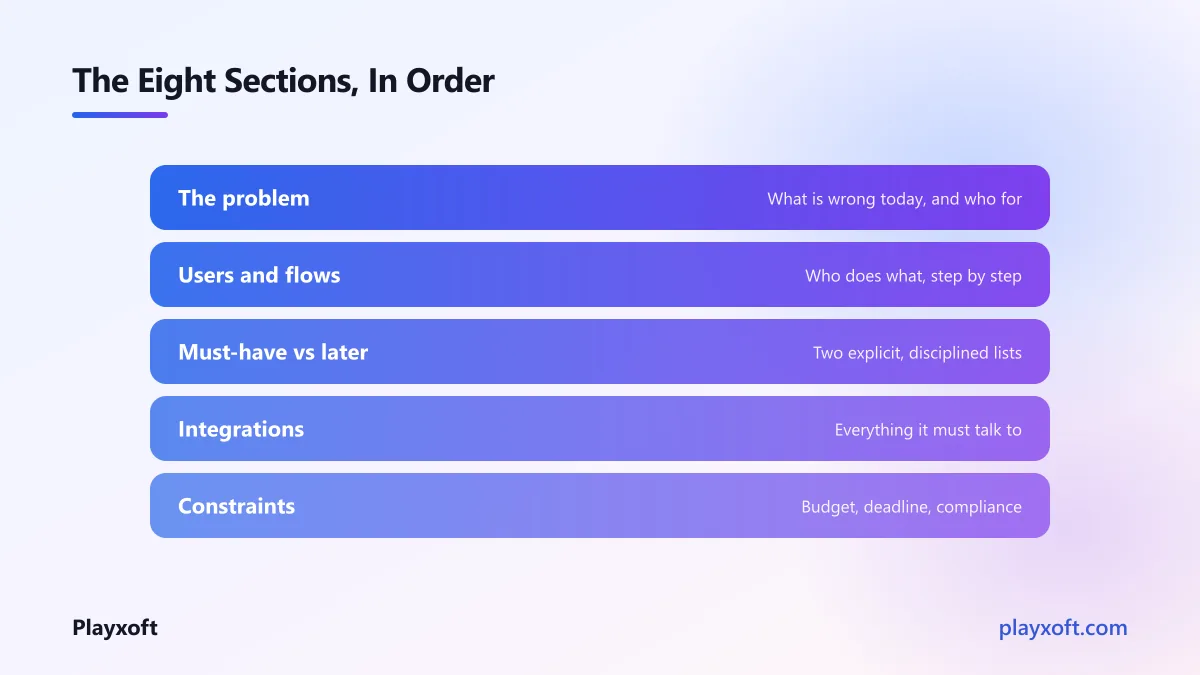
4. Must-have versus later
Two explicit lists. Everything that must exist at launch, and everything that would be good afterwards.
Be disciplined about the first list. The test for a must-have is simple: if this were missing, would you still launch? If yes, it belongs in the second list.
This single section changes the shape of every quote you receive, and it gives you a lever to pull if the numbers come back higher than you hoped.
5. Integrations
Everything the software must talk to: payment providers, accounting systems, email, existing databases, anything internal.
For each, note whether it has documented public APIs, whether you have credentials and access, and who at your end knows it. Integrations are the most common cause of overruns, and a poorly documented internal system is worth flagging explicitly rather than discovering in week eight.
6. Non-functional requirements
The things that are not features but shape everything.
How many users at once, realistically. Where they are located. Whether it must work offline. What data protection rules apply. Accessibility requirements — the Web Content Accessibility Guidelines are the usual standard, and are legally required in a growing number of jurisdictions. Any uptime expectations. Security or compliance obligations specific to your sector.
These affect architecture profoundly and cost a great deal to retrofit. A team that learns in month three that you need offline capability will be rebuilding rather than adding.
7. Constraints
Your real budget range, your real deadline and why it exists, any technology you are committed to, and anything about how your organisation works that affects the project.
Sharing a budget range makes people nervous. It should not. Without one, you receive proposals scoped for entirely different budgets, which are not comparable and waste everyone's time. With one, a good partner tells you what is achievable within it — which is the conversation you actually want.
8. What success looks like
How will you know this worked, six months after launch? A number is ideal: hours saved per week, a reduction in support tickets, a conversion rate, a volume processed.
This is the section most often omitted and the one that most improves the software, because it lets the people building it make hundreds of small decisions in the right direction.
Before you send it out
If you are about to put a brief in front of several partners, it is worth a second opinion first — badly-scoped briefs produce quotes that cannot be compared, which is a slow and frustrating way to discover the problem.
If you would like someone to read yours before it goes out, we are happy to do that with no obligation, including telling you which sections will cause estimators to pad.
Things worth adding if you have them
Not required, but each meaningfully improves the estimates you get back.
Sketches. Even rough ones on paper, photographed. A crude drawing removes more ambiguity than three paragraphs.
Examples of existing products. "Like this, but for our industry" is genuinely useful. Include what you like and, more usefully, what you dislike about each.
Your real data. A sample spreadsheet or export tells an experienced team a great deal about the true complexity of your domain, and domain complexity is usually where estimates go wrong.
Volumes. How many records, how many transactions a day, how much data. The difference between hundreds and millions changes the architecture.
What you get back, and how to read it
Send the same brief to everyone, so the responses are comparable.
Then read the responses for more than price. The most informative thing a partner can send back is questions. A proposal that arrives with no clarifying questions was either written from a template or assembled by someone who did not examine your problem closely.
Also look for stated assumptions. Every estimate rests on them, and a partner who writes them down is telling you where the risk sits. One who does not has hidden the risk inside the number, and you will meet it later.
Common mistakes in a software requirements document
Five patterns we see repeatedly, each of which inflates the quotes you receive.
Describing the solution instead of the problem. "We need a dashboard with filters" forecloses the possibility that a weekly email would serve you better and cost a fifth as much. Describe what you need to know; let the partner propose how.
Treating everything as equally important. A brief with thirty features and no prioritisation gets quoted as thirty features. The must-have list is your budget control.
Leaving out the people behind the scenes. Briefs are usually written from the customer's perspective and omit the administrator, the support agent and the finance user. Those screens are real work and they always appear eventually.
Hiding the deadline. If a date genuinely matters, say so and say why. A partner who knows the constraint can propose a phased approach; one who does not will quote the full scope and miss it.
Refusing to state a budget. The single most common cause of wasted time on both sides. You are not revealing your negotiating position; you are letting people tell you what is possible.
A note on length
There is a temptation, particularly on larger projects, to produce a fifty-page requirements document.
We would gently push against that. Long documents get skimmed, go stale within weeks, and create false confidence that everything has been considered. A tight brief covering the eight sections above, plus a paid discovery phase to develop the detail collaboratively, produces better software than an exhaustive specification written before anyone understood the problem.
The brief's job is to get you accurate, comparable quotes and to establish a shared understanding. It is not meant to be the last word.
An afternoon that pays for itself
A good software requirements document takes a few hours and does three things: it gets you quotes you can actually compare, it removes the ambiguity that inflates estimates, and it forces you to make decisions that would otherwise surface expensively in month three.
It also, quietly, tells you whether you are ready. If the eight sections are hard to fill in, the answer may be that you need a discovery phase before you need a build — which is a much cheaper thing to find out now.
If you want help turning a rough idea into a brief that gets you honest, comparable numbers, book a free consultation call or email info@playxoft.com. We will help you write it even if you take it elsewhere.